

Top Healthcare Website Features for Medical Practices

Top healthcare website features are specialized tools and functions that improve patient access, meet regulatory requirements, and reduce administrative workload for medical practices. The industry term for this collection of capabilities is “digital front door,” and it covers everything from HIPAA-compliant hosting to AI-powered chatbots. Get these features right, and your website becomes a patient acquisition and retention engine. Get them wrong, and you’re looking at compliance penalties, frustrated patients, and appointments that never get booked.
1. Mobile-first responsive design
Mobile-first design is the non-negotiable starting point for any healthcare website in 2026. Over 60% of healthcare searches happen on mobile devices, which means your desktop layout is secondary. If a patient pulls up your site on their phone and can’t read your hours or find your phone number within seconds, they’re gone.
Responsive design means your layout, text, and buttons automatically adapt to any screen size. For medical practices, this matters most on high-traffic pages like appointment booking, provider directories, and contact information. A site that looks polished on a 27-inch monitor but breaks on an iPhone is a patient you lost before they ever called.

Pro Tip: Test your site on actual devices, not just browser emulators. Google’s PageSpeed Insights and real-device testing through BrowserStack reveal layout issues that simulators miss.
2. ADA and WCAG 2.1 Level AA accessibility compliance
Healthcare organizations with 15 or more employees must conform to WCAG 2.1 Level AA by May 11, 2026, for all patient-facing websites and apps. That deadline is not a suggestion. Non-compliance exposes your practice to federal enforcement and civil litigation.
WCAG 2.1 Level AA covers things like sufficient color contrast, keyboard navigation, screen reader compatibility, and descriptive alt text for images. The scope is broader than most providers realize. Accessibility compliance applies to your scheduling pages, payment flows, and patient portal, not just your homepage. A patient who uses a screen reader needs to book an appointment just as easily as anyone else.
Audit your site against WCAG 2.1 criteria using tools like Axe, WAVE, or Deque’s accessibility checker. Then fix what’s broken before the deadline hits.
3. HIPAA-compliant hosting and infrastructure
HIPAA compliance is not a plugin you install. It’s a layer of technical infrastructure that governs how your site collects, stores, and transmits electronic protected health information, or ePHI. HIPAA Security Rule technical safeguards require access control, audit controls, data integrity, authentication, and transmission security across every feature that touches patient data.
This means your hosting provider must sign a Business Associate Agreement (BAA). It means your contact forms, appointment requests, and patient portal all need end-to-end encryption. It means unique user IDs and audit logging so you know exactly who accessed what and when. HIPAA compliance demands strong access control and audit logs to prove who accessed ePHI, not just encryption.
Providers often underestimate this. A standard WordPress hosting plan from a generic provider does not meet HIPAA requirements. You need purpose-built healthcare hosting or a managed solution with documented BAAs.
4. Fast page load and Core Web Vitals
Speed is a clinical issue for your website. Core Web Vitals benchmarks set the standard: Largest Contentful Paint under 2.5 seconds, Interaction to Next Paint under 200 milliseconds, and Cumulative Layout Shift under 0.1. These numbers directly affect whether patients complete appointment bookings or abandon the process.
Google uses Core Web Vitals as a ranking signal, so slow pages hurt your search visibility and your patient experience at the same time. A page that takes four seconds to load loses a measurable percentage of visitors before they even see your content. For a practice running paid ads or local SEO, that’s wasted spend.
Optimize images, minimize JavaScript, use a content delivery network, and choose a hosting environment built for performance. These are not optional upgrades. They’re table stakes for healthcare website user experience in 2026.
5. Online appointment scheduling
Online scheduling is the single highest-impact patient engagement feature you can add to a healthcare website. Patients expect to book appointments the same way they book restaurant reservations or flights. If your only option is a phone call during business hours, you’re losing patients to practices that offer 24/7 self-service booking.
Mobile-first UX combined with online appointment scheduling reduces administrative workload and improves patient access. Tools like Zocdoc, Calendly for Healthcare, or native EHR scheduling modules integrate directly into your website. The key is choosing a scheduling tool that is HIPAA-compliant and signs a BAA, because appointment data counts as ePHI.
No-show rates drop when patients receive automated reminders tied to their online booking. That’s revenue recovered without a single phone call from your front desk.
6. Secure patient portal
A patient portal is where your website shifts from a marketing tool to an operational asset. Unified patient portals that bundle scheduling, messaging, intake forms, and payments reduce administrative workload and increase patient self-service. Platforms like DrChrono, athenahealth, and Epic MyChart embed portal access directly into practice websites.
Patients use portals to view lab results, request prescription refills, message their care team, and pay bills. Each of those functions reduces inbound phone calls and front-desk interruptions. The portal also creates a documented communication trail, which matters for both clinical and compliance purposes.
The portal must meet WCAG 2.1 Level AA and HIPAA technical safeguards. It’s patient-facing and it handles ePHI, so both compliance frameworks apply simultaneously.
7. Digital intake and registration forms
Paper intake forms are a friction point that costs you time and money. Digital forms, completed before the appointment, mean your staff spends less time on data entry and more time on patient care. They also reduce errors from illegible handwriting and missing fields.
HIPAA-compliant form tools like Formstack for Healthcare or JotForm HIPAA Edition encrypt submissions and support BAAs. Forms need to be mobile-friendly and accessible under WCAG 2.1 standards. A form that’s impossible to complete on a phone or inaccessible to a screen reader user fails on two compliance fronts at once.
Connect your digital forms directly to your EHR so data flows automatically into patient records. That integration eliminates duplicate data entry entirely.
8. Secure payment processing and insurance verification
Billing friction is one of the top reasons patients delay or avoid care. A healthcare website that offers online bill pay and upfront insurance verification removes two of the biggest barriers to completing a visit. Patients want to know their cost before they show up, not after.
Payment tools like Stripe with HIPAA configurations, InstaMed, or PaySimple for Healthcare handle encrypted transactions and integrate with practice management systems. Insurance verification widgets, often powered by Availity or Change Healthcare APIs, let patients confirm coverage in real time from your website.
Clear, accessible payment pages also reduce collections calls and outstanding balances. That’s a direct operational efficiency gain that shows up in your revenue cycle.
9. AI-powered chatbots and 24/7 patient support
AI chatbots on healthcare websites handle symptom triage, appointment routing, FAQ responses, and after-hours patient questions without adding staff. A well-configured chatbot from platforms like Hyro or Orbita can deflect a significant volume of routine inquiries that would otherwise tie up your front desk.
The key word is “well-configured.” A generic chatbot that gives vague answers frustrates patients. A healthcare-specific chatbot trained on your services, hours, insurance accepted, and common clinical questions adds real value. It also needs to be HIPAA-compliant if it collects any patient-identifiable information during the conversation.
Chatbots are a competitive edge feature, not a baseline requirement. They make the most sense for practices with high call volume or limited front-desk capacity.
10. EHR and EMR integration
EHR integration turns your website from a static brochure into a live operational hub. When your scheduling tool, patient portal, and intake forms connect directly to your EHR, data flows in real time. Appointment slots reflect actual availability. Forms prefill with existing patient data. Lab results appear in the portal automatically.
Systems like Epic, Cerner, and Athenahealth offer API-based integrations that connect to third-party website components. The technical complexity is real, and implementation typically requires a developer with healthcare integration experience. But the payoff is a website that actively reduces administrative burden rather than creating parallel workflows.
For independent practices, lighter-weight EHRs like DrChrono or Kareo offer more accessible integration paths without enterprise-level complexity.
11. Third-party vendor compliance management
Third-party tools embedded in patient-facing pages count toward your compliance scope and can introduce accessibility and privacy risks you didn’t create but are still responsible for. That scheduling widget, live chat tool, or analytics script on your site is your compliance problem if it fails.
Every third-party vendor that touches ePHI needs a signed BAA. Every embedded tool needs to meet WCAG 2.1 Level AA. This includes Google Analytics configurations, Facebook Pixel implementations, and any tracking code that might capture patient behavior data.
Pro Tip: Add explicit HIPAA and WCAG compliance requirements to every vendor contract. Require written confirmation and periodic audits. If a vendor can’t provide documentation, find one who can.
12. Audit-ready security documentation
HIPAA assessors require documented evidence that encryption, patch management, and access controls are implemented effectively. A policy statement in a binder is not sufficient. You need technical proof: encryption configurations, vulnerability patching schedules, access logs, and incident response records.
Build your documentation practice now, not the week before an audit. Maintain records of who has administrative access to your website, when patches were applied, and how ePHI is encrypted in transit and at rest. Providers must document technical safeguards in detail, including encryption configurations and access logs, to pass HIPAA security audits.
This documentation discipline also protects you in the event of a breach. Demonstrating that you had proper controls in place is the difference between a manageable incident and a catastrophic penalty.
Key takeaways
The top healthcare website features work as a system: compliance infrastructure protects your practice, patient engagement tools grow it, and operational integrations make it sustainable.
| Point | Details |
|---|---|
| Compliance comes first | HIPAA and WCAG 2.1 Level AA are legal requirements, not optional upgrades, with deadlines in 2026. |
| Mobile-first is non-negotiable | Over 60% of healthcare searches happen on mobile; desktop optimization follows, not leads. |
| Portals reduce workload | Unified patient portals combining scheduling, messaging, and payments cut front-desk burden significantly. |
| Third-party tools carry risk | Every embedded vendor tool falls under your compliance scope and requires a signed BAA. |
| Documentation wins audits | HIPAA assessors need technical proof of controls, not just written policies. |
What I’ve learned about healthcare websites after years in the trenches
Most practices approach their website as a marketing expense. They want it to look good and rank on Google. That’s fine, but it misses the bigger picture. The practices that get the most out of their websites treat them as operational infrastructure, the same way they treat their EHR or their phone system.
The compliance piece is where I see the most avoidable pain. Providers wait until they get a complaint or a notice before they take WCAG or HIPAA seriously. By then, the remediation cost is three to five times what proactive compliance would have cost. The May 2026 deadline for WCAG 2.1 Level AA is not a rumor. It’s federal rule, and enforcement is real.
On the patient experience side, the gap between what patients expect and what most independent practices offer is still surprisingly wide. Patients book haircuts, flights, and dinner reservations online without thinking twice. When they can’t book a doctor’s appointment the same way, it registers as friction, and friction sends them somewhere else. Online scheduling and a functional patient portal are not luxury features anymore. They’re the baseline expectation.
The advanced features, chatbots, EHR integration, predictive analytics, are worth pursuing, but only after the foundation is solid. I’ve seen practices invest in AI chatbots while their site still fails basic accessibility checks. That’s the wrong order. Build the compliance layer, then the engagement layer, then the competitive edge layer. That sequence protects you, serves your patients, and gives you a clear ROI path at every stage.
— Opinly
How Klyrmedia builds healthcare websites that actually work
If you’re looking at this list and wondering where to start, that’s exactly the conversation Klyrmedia was built for.
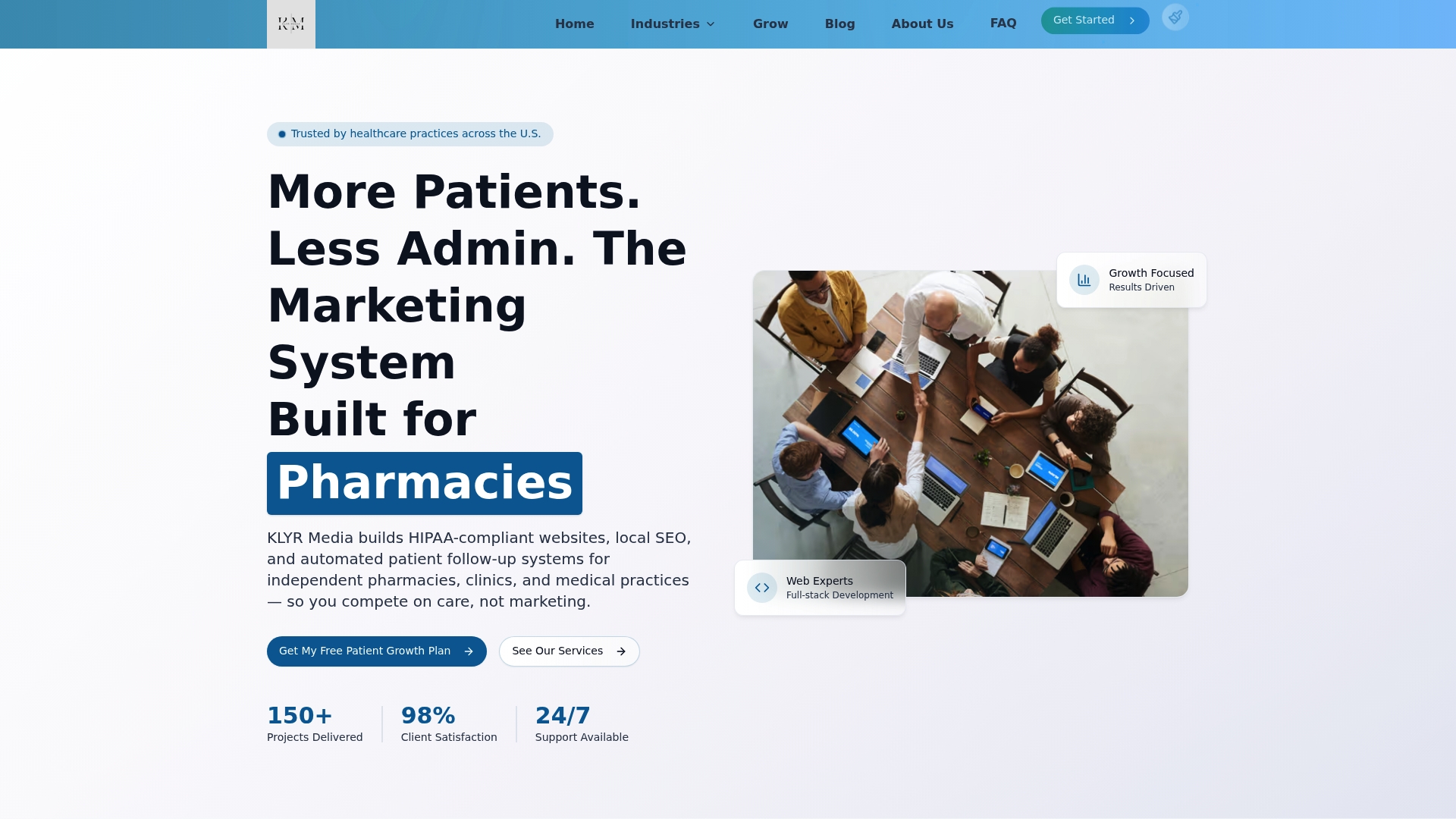
Klyrmedia specializes in HIPAA-compliant website design for independent pharmacies, medical clinics, and healthcare practices across the United States. Every site Klyrmedia builds layers security infrastructure with patient engagement tools, from encrypted hosting and BAA-backed vendors to online scheduling and accessible patient portals. For practices that need a broader digital strategy, Klyrmedia’s healthcare facility solutions cover everything from local SEO to marketing automation. If your website isn’t pulling its weight on compliance, patient acquisition, or operational efficiency, reach out to Klyrmedia for a custom strategy built around your practice’s specific needs.
FAQ
What are the must-have features for a healthcare website?
Every healthcare website needs HIPAA-compliant hosting, mobile-first responsive design, WCAG 2.1 Level AA accessibility, online appointment scheduling, and a secure patient portal. These features cover legal compliance and core patient engagement.
When is the WCAG 2.1 compliance deadline for healthcare providers?
Healthcare organizations with 15 or more employees must conform to WCAG 2.1 Level AA by May 11, 2026, for all patient-facing websites and apps, including scheduling and payment pages.
Do third-party tools on my healthcare website need to be HIPAA-compliant?
Yes. Any third-party tool embedded on a patient-facing page that touches ePHI falls under your HIPAA compliance scope. You need a signed Business Associate Agreement from every such vendor.
How does website speed affect patient engagement?
Core Web Vitals benchmarks, specifically LCP under 2.5 seconds and INP under 200 milliseconds, directly affect whether patients complete appointment bookings. Slow pages increase abandonment and hurt your Google search rankings simultaneously.
What is the difference between a patient portal and a healthcare website?
A healthcare website is the public-facing site patients use to find your practice and book appointments. A patient portal is a secure, authenticated environment where existing patients access records, message providers, and manage billing. The portal is typically embedded within or linked from the main website.

