
Apple Business Connect Setup for Medical Practices
How to set up Apple Business Connect for a medical practice or pharmacy: verification, adding your location, photos, HIPAA-safe content and fixing errors.

Apple Business Connect Setup for Medical Practices

If a patient searches for a pharmacy or clinic on an iPhone, Apple Maps decides what they see first: your name, hours, phone number and photos, or a stale listing that sends them to the wrong door. Setting up Apple Business Connect, which Apple now runs inside its Apple Business platform, puts you in charge of that card. It’s free, it takes an afternoon, and the mistakes that cost practices the most are the boring ones: wrong category, sloppy name, an unverified account that quietly gets deleted. Here is the full setup, step by step, with the healthcare-specific traps called out.
TL;DR
- Apple Business Connect lets you claim and manage how your practice or pharmacy appears in Apple Maps and other Apple apps. Sign up with the real name of a real person, and finish verification within 60 days.
- Add or claim each location under Brands > Locations. Name, address, map pin, phone, category and hours must match your signage and website.
- Keep patient information out of photos, showcases and Actions. HIPAA applies to what you publish, and testimonials with names and faces need written authorization.
- Review your listing on a schedule. Apple can change your hours or status when customers report problems, and you have to accept or contest the change.
- A listing is one piece of local visibility. It works best when it matches your website and your other profiles.
Table of Contents
- What Apple Business Connect is, and why a practice should bother
- Before you start: gather this
- Step 1: Sign up and verify your organization
- Step 2: Add your location, or claim the one Apple already has
- Step 3: Hours, photos and the details patients use
- Step 4: Keep it HIPAA-safe
- Step 5: Manage it after launch
- If verification fails or the listing is wrong
- Where Apple fits in the bigger picture
- What we’d do if this were our practice
- Make the listing part of a system
- FAQ
- Sources
What Apple Business Connect is, and why a practice should bother
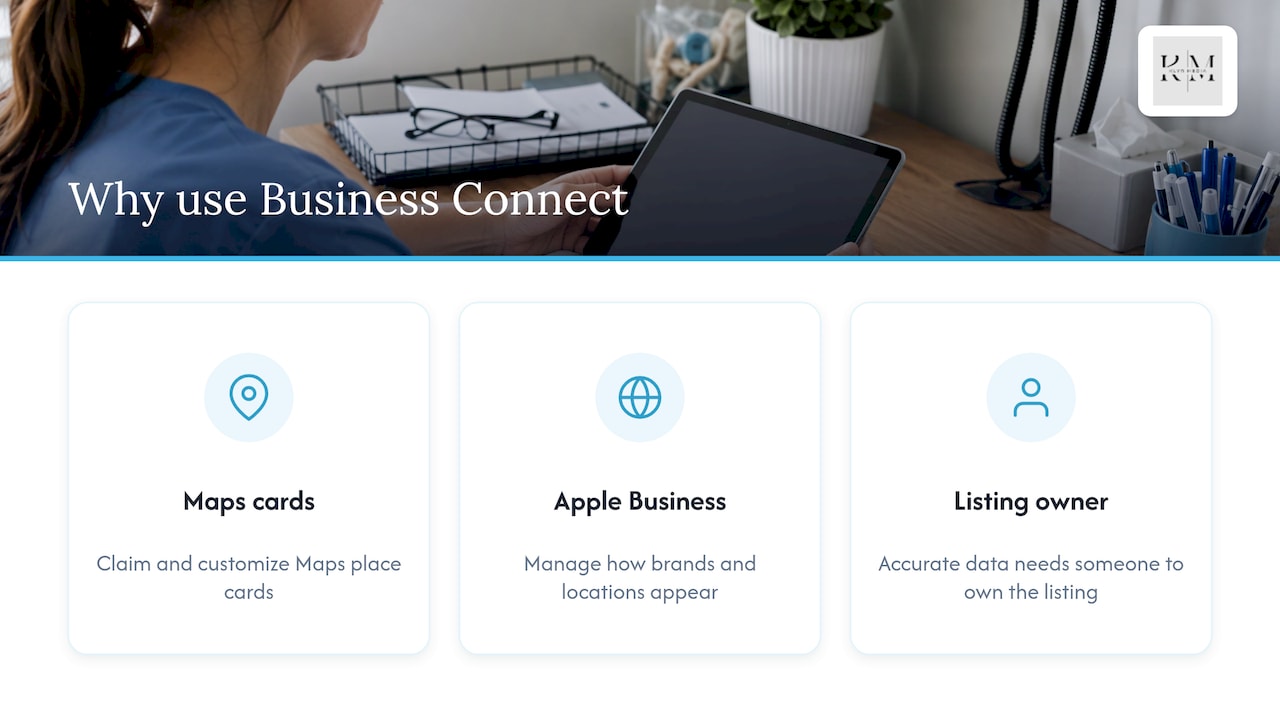
Apple launched Business Connect in 2023 as a free tool that lets businesses claim and customize their Maps place cards, including photos, logos, promotions and action links. The place card is what appears when someone taps your pin in Maps or asks Siri for a nearby pharmacy. Apple has since folded these tools into Apple Business, the current place to manage how your brands and locations appear to customers. Existing Business Connect administrators can sign in with their earlier Apple Account.
For an independent pharmacy or clinic, the practical value is simple. Patients on iPhones look you up in Maps. If your hours are wrong on a holiday, or the pin sits on the road behind your building, you lose a visit you never knew about. Revenue that never walked in.
You don’t need a large chain’s budget to fix that. You need accurate data and someone who owns the listing.
Before you start: gather this
Have these in front of you before you open the signup page. It saves a lot of back and forth.
- The legal business name and the public name patients know you by (these are often different)
- The street address exactly as it appears on your website, plus suite number
- Main phone number that a person answers, not a fax line
- Regular hours, plus holiday hours you already know
- Website address
- Your primary category (more on this below)
- A logo and good photos you own
- The name of the one person who will be the administrator
Decide on that last item first. Listings go stale when nobody owns them. Pick a person and a backup.
Step 1: Sign up and verify your organization
Apple’s signup guide asks for the first and last name of the actual person signing up. A role label like “IT Coordinator” gets sent back for correction. If your office manager is setting this up, use the office manager’s real name.
Then comes verification. Per the same Apple page, your organization must be verified using two methods within 60 days of signup. Review can take up to five business days, and longer during busy periods. An organization that never gets approved is deleted along with its data, so don’t let it sit in a half-finished state while the front desk gets busy.
Where this goes wrong for healthcare:
- Mismatched names. The pharmacy’s legal entity is an LLC, the sign says something else, and the website says a third thing. Pick the version patients see and make sure your documents can support it.
- Personal accounts. Signing up with the owner’s personal Apple Account ties your listing to one person’s login. Use an account the practice controls so access survives staff changes.
- Waiting on the callback. If a verification call or email goes to a number nobody checks, the 60 days run out. Put it on a calendar.
Step 2: Add your location, or claim the one Apple already has
Apple very likely already has a pin for you, built from public data. Start by searching for it rather than creating a duplicate.
Per Apple’s single-location instructions, go to Brands > Locations > Add Location. A new listing needs a name, address, correctly placed map marker, language, display name, category, status, phone number, hours and brand selection. A website is optional, though you should add it. If the location is already managed by another organization, you can request a transfer after adding it. A common case is a previous owner or a marketing vendor who set it up years ago.
If you’re opening a new clinic, the Opening Soon status works, but the date can’t be more than six months away.
Get the display name right
This is where practices trip. Apple says the public display name must match your storefront, signage or official website, with no descriptions, arbitrary strings, or symbols like ®, © or ™.
So “Main Street Family Medicine” is fine. “Main Street Family Medicine - Best Doctor Near Me - Walk-Ins” isn’t. Keyword stuffing doesn’t just look desperate; it gets the name rejected or changed.
Place the pin like you mean it
Apple’s guidance says the address should be the one on your official website and the one customers use to find you. The coordinates should be centered over the building, not on a road, sidewalk or parking access point. For a pharmacy in a strip mall or a clinic inside a medical office park, zoom in and check the pin is on your unit’s building, not the parking lot entrance.
Pick the category carefully
Your category tells Apple what kind of place you are. A pediatric clinic filed under a generic category gets shown for the wrong searches. Choose the most specific one that describes your main service. The same logic drives Google, and we’ve written about how one primary category shapes local visibility for clinics.
Step 3: Hours, photos and the details patients use
Once the basics are in, fill out the parts a patient actually uses.
Hours. Set normal hours and special hours. Apple’s editing guide lets authorized users edit normal and special hours, photos, showcases, actions and Good to Know attributes. Pharmacies should treat the pharmacy counter and the front store as separate realities: if the pharmacy closes for lunch or at 6 p.m. while the store stays open, say so in the hours your phone team gives out and make the listing consistent with it.
Photos. Each location can have up to 100 photos. Apple reviews uploads, and review can take up to three business days. Technical requirements per Apple’s photo upload guide:
| Item | Requirement |
|---|---|
| File types | HEIF, JPEG or PNG |
| Cover photo | At least 1600 × 1040 pixels |
| Location photos | At least 720 × 960 pixels |
Shoot the entrance, the waiting room, the pharmacy counter, the parking, and the exterior from the street. Patients, especially anxious first-timers, want to know what they’re walking into. A photo of the door they should use is worth more than a stock image of a stethoscope.
Apple also says you must own or have rights to every photo, and have permission from every person depicted. It disallows personally identifiable information and AI-generated images, among other content.
Website and phone. Use the same number and URL everywhere. If you run several sites or a separate scheduling page, link the page that helps a new patient book, ideally a location page built for that purpose. Here’s a guide to clinic location pages that rank.
Step 4: Keep it HIPAA-safe
Apple Business Connect is a public marketing surface. Treat it like a billboard, not a chart.
HHS explains that the HIPAA Privacy Rule applies to health plans, clearinghouses and health care providers that transmit health information electronically in covered transactions, and it protects identifiable health information those entities hold or transmit. The same HHS summary lists full-face photographic images among the identifiers, and says marketing uses of protected health information generally need written authorization, with stated exceptions.
In practice for your listing:
- No patient photos without written authorization. Not in the photo gallery, not in a showcase, not in the background of a staff shot where a chart or a screen is visible. Apple separately requires permission from everyone pictured.
- No testimonials with names or faces unless authorized. HHS’s 2016 enforcement action against Complete P.T. involved a physical therapy practice that posted patient testimonials with full names and full-face photos without valid authorizations. OCR treated the disclosures as impermissible and required a corrective action plan and settlement.
- Be careful with Actions and connected booking tools. Apple’s rules for third-party partner Actions say a partner should collect personal data only after the customer completes the Action, ask for only the minimum data needed for the minimum time, explain how data is used, and not retarget people who don’t finish. Before you connect any scheduling or intake tool to your listing, make sure that tool’s data handling fits your HIPAA obligations and has the agreements your compliance lead requires.
- Keep the listing generic. Hours, services, address, phone. Details about a patient’s condition or visit don’t belong on a public card.
If you aren’t sure whether something counts as protected health information, ask your compliance officer or healthcare attorney before it goes live. A deleted photo is easy. A complaint isn’t.
Step 5: Manage it after launch
A verified listing isn’t a finished listing. Apple’s accuracy guide says customers can report a location that looks open but is closed from its place card. Apple may update the name, status or hours, and notifies administrators and users with location-management permissions.
You then have two options: accept Apple’s change if it’s right, or contest it by editing the status or hours. A disputed name can be resubmitted with supporting information or documents, and review can take up to five business days.
That means the notification emails matter. Route them to a shared inbox, not one person’s phone. A pharmacy that closed for a storm and reopened can come back showing “closed” for days if nobody sees the alert.
A simple maintenance routine
- Monthly: open the listing on an iPhone and read it as a patient would. Call the number. Tap the website.
- Before every holiday: set special hours.
- After any change: new provider, new phone system, moved suite, changed services. Update the listing the same day.
- Quarterly: compare your Apple listing to your website, Google Business Profile and any directory entries. Mismatches confuse patients and weaken trust signals.
Several locations
If you run five or more locations, Apple’s multiple-location editing guide lets you edit with a template: download, edit, upload, send for review, then fix any reported errors or warnings. Files can have up to 10,000 rows. This is how you’d push a new phone number or holiday hours across a group. For the data side of that problem, see how to sync multi-location clinic listings to your EMR.

If verification fails or the listing is wrong
Most rejections come down to a handful of causes:
- The person’s name was a role label or a shared mailbox.
- The business name didn’t match what the website or documents show.
- Contact details couldn’t be reached during verification.
- The 60-day window passed.
Fix the specific problem and resubmit rather than opening a second organization. A duplicate account makes the mess bigger. If a name change is disputed, send supporting information, such as a license, signage photo or website proof, that shows the name you’re using.
For incorrect location data, check the pin, status and hours first. Those are usually the culprit.
Where Apple fits in the bigger picture
Apple is one surface. Patients also search Google, check reviews, and click through to your site. If the three disagree about your hours, none of them is trusted. A good order of operations is:
- Get your website and location pages accurate and fast.
- Claim and complete your Google Business Profile. Here is a walk-through on optimizing a Google Business Profile for healthcare.
- Claim your Apple listing and match it to both.
- Manage the rest as a system. This explains what local listing management means for healthcare.
That consistency is the whole game. Each correct listing is a small signal that you’re real, open and nearby.
What we’d do if this were our practice
We work only with healthcare: independent pharmacies, clinics and practices. That shapes how we see something like Apple Business Connect.
A listing looks like marketing, but for a healthcare provider it’s also a compliance surface. Every photo, every showcase and every connected booking tool is a place where patient information can leak out if nobody is watching. Generic agencies treat it as a checkbox. We build compliance in from day one, so the listing, the website and the follow-up all follow the same rules.
Our approach is to get the foundation right first: an accurate website, consistent location data, then local SEO and the listings that feed from it. Then we connect the follow-up, so a patient who finds you in Maps and books doesn’t get ghosted afterward. Independent pharmacies compete with chains and online giants. The way you win locally is being accurate, findable and responsive on every surface a patient uses.
Apple’s setup is free and you can do the basics yourself. Keeping it correct across locations, platforms and staff changes is the part that takes ongoing attention, and that’s the work we’re built to take off your plate.
Opinly
Make the listing part of a system
A claimed Apple listing gets you found. What happens next decides whether you get the appointment. Our Healthcare SEO Service covers local SEO and Google Maps and search optimization for independent pharmacies, clinics and practices, so your listings, location pages and website tell the same story. If patients also need a compliant site to land on, our HIPAA Web Design Service builds it with compliance in from day one.
If you’d rather have specialists run the listings, the site and the follow-up together, start at klyrmedia.com.
FAQ
Is Apple Business Connect free?
Yes. Apple introduced it as a free tool for businesses of all sizes to manage how their information appears across Apple apps, and it now lives inside Apple Business. Your cost is the staff time to set it up and keep it current.
Is Apple Business Connect HIPAA compliant?
The listing is a public profile, so it should only contain public business information: name, address, phone, hours, services and photos you have rights to. HIPAA governs what you publish about patients, so keep identifiable patient details, photos and testimonials out unless you have written authorization. Check any connected scheduling or intake tool with your compliance officer before linking it.
How long does verification take?
Apple says review can take up to five business days, and longer during high volume. You have 60 days from signup to complete two verification methods or the organization and its data are deleted.
Can I claim a listing that already exists for my clinic?
Yes. Add the location and claim it. If another organization already manages it, you can send a transfer request, as described in Apple’s add-a-location instructions.
What if Apple changes my hours or marks my office closed?
Apple notifies your administrators. Accept the change if it’s correct, or edit the status or hours to contest it. A disputed name can be resubmitted with supporting documents, and review may take up to five business days.
Sources
- Sign up for Apple Business - Apple Support
- Add a single location in Apple Business - Apple Support
- Edit or remove multiple locations in Apple Business - Apple Support
- Configure location attributes in Apple Business - Apple Support
- Edit or remove a single location in Apple Business - Apple Support
- Photo and text standards and guidelines for Apple Business - Apple Support
- Add, edit, or delete photos in Apple Business - Apple Support
- Create third-party partner Actions in Apple Business - Apple Support
- Maintain location information accuracy with Apple Business - Apple Support
- Introducing Apple Business Connect - Apple Newsroom
- Summary of the HIPAA Privacy Rule - HHS.gov
- Physical therapy provider settles violations - HHS.gov

